


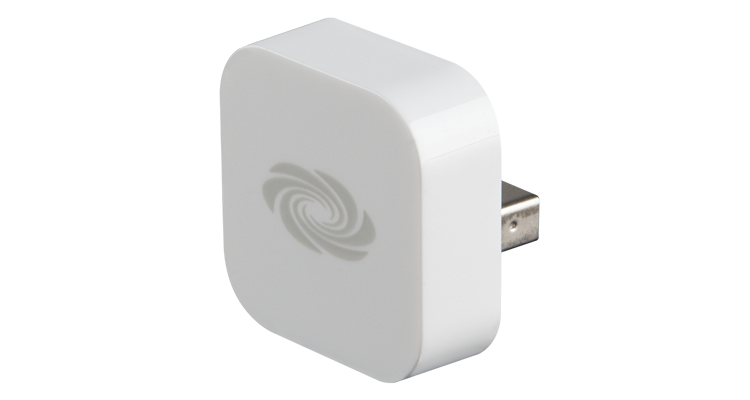
How does this apply to education? Faculty, staff and students all have devices with them as well. At our school the large majority of these devices are iOS devices. Have you ever thought about programming a room for a certain individual? Having a unique touchpanel layout for each faculty member so they only had exactly what they wanted? Logically, that is very difficult to do on a touchpanel, because first the faculty will need to navigate to “their” page. However, putting the proximity detection to use and suddenly they may not even need the touchpanel. The class capture can start recording automatically when the faculty member enters the room. The lights can go to their favorite settings and the projector can turn on and choose their favorite source. Some of this may seem a little far fetched and future based. However, I predict that within five years many of us will be nostalgic about the times that we used to have to turn on lights and equipment with a touchpanel when we entered a room.
Proximity detection has also become a part of the IT world. The wireless system we use at Bates detects which AP you are closest to and allows you to see devices based on that. This will become most applicable with devices like the Kramer VIA and Apple TVs. One large problem with these devices has been the list of open devices on a network and knowing which one to choose. Likely, if you have many on your campus you need to decode the algorithm used to name the devices. However, with proximity detection you only see the ones that are directly around you.
As you walk around the show floor, think about proximity detection. How much information is that device in your pocket able to share about your preferences? What other technologies may benefit from knowing your location and customizing the environment to you? Oh, and of course, get out, network and and enjoy the national holiday!