

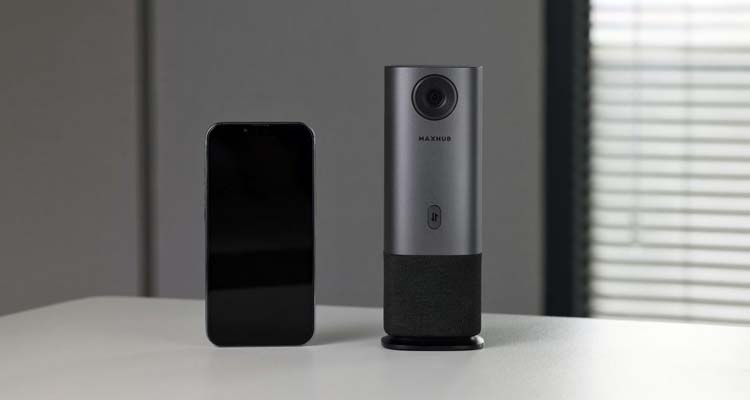

The UC M40 makes it so each person at the table appears front and center on the screen. It includes switching and an LED voice location indicator so each person has control of the meeting.
In Standalone mode, the UC M40 connects via USB and there is no software to install and no settings to configure. Users can select a collaboration scenario and the speaker-tracking technology and 360-degree camera will take it from there. With seven modes — Discussion, Beamforming, Panoramic, Quad View, Portrait, Compose and Split —meeting participants can be “framed” in various preferences of the group.
In Professional mode, users can adjust a wide variety of settings, including camera angles, custom display layouts and auto-framing settings.